Frequently asked questions
14 questions builders ask most often. Every answer points straight at the guide that walks you through it — no dead ends, no “it depends”.
Read the 2025 Bookworm build guide end to end before you buy anything. It tells you which Pi, which display and which image viewer to pick, and everything else on this page hangs off it.
How to build the best Raspberry Pi digital picture frame with Bookworm Wayland (2025 Edition, Pi 2/3/4/5)
Install the Pi3D PictureFrame software with one click (2025 Edition, Raspberry Pi 2/3/4/5)
How I built a digital picture frame with a Raspberry Pi
Discover the complete hard- and software setup of my Raspberry Pi digital picture frame
Why building your own digital picture frame is great fun
5 essential tips I learned from building digital picture frames A Raspberry Pi, a display, an endurance SD card, a proper power supply and a mount. The Parts Finder lists the exact models I use, in the order you need them.
Which Raspberry Pi model should you get for your digital photo frame?
Why the Raspberry Pi 4 is the best choice for your digital picture frame project
Read these 10 essential tips for picking the right monitor for a digital picture frame
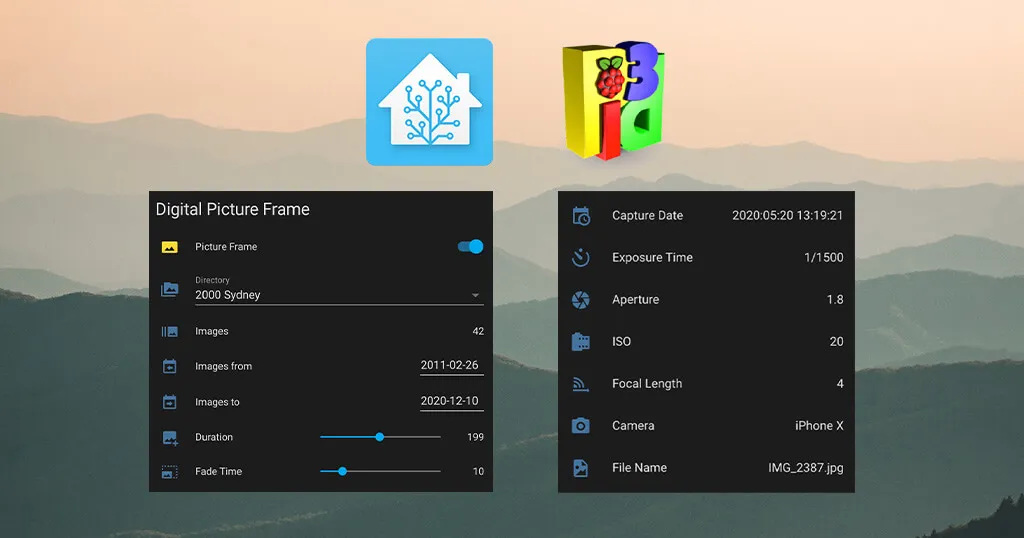
Discover the complete hard and software setup of my Raspberry Pi digital picture frame Pi3D PictureFrame speaks MQTT, so Home Assistant can read its state and drive it — brightness, date filters, current photo, on and off.
Control your digital picture frame with Home Assistant’s WiFi presence detection and MQTT
Voice control your digital photo frame with Amazon Echo and Home Assistant
Voice control your digital photo frame with Amazon Echo, MQTT, and Node-RED
Display the number of photos on your digital picture frame in Home Assistant
A simple way to automatically turn your digital picture frame on and off at fixed times
How to install the MQTT Mosquitto broker locally on your digital picture frame’s Raspberry Pi
How to fully integrate your Raspberry Pi digital picture frame into Home Assistant even showing the current image
How I added crossfading slide transitions to my digital picture frame using Pi3D Picture Frame
How I built a WiFi photo frame with Pi3D which shows the location where the photo was taken (Geolocation)
The best 3 image viewers for your Raspberry Pi digital picture frame project
All the options and settings of the Pi3D image viewer explained in one simple cheat sheet
The ultimate Pi3D FAQ Page – All the questions, all the answers, and more A Pi 4 or 5, a 4K panel you are willing to dismantle, and an endurance card with room to spare.
How to synchronize your digital picture frame with your Google Photos albums using rclone
Celebrate birthdays and anniversaries with auto-themed photos on your digital frame
How to finally access Dropbox on your Raspberry Pi using rclone
Using Syncthing to synchronize files between your Raspberry Pi and Mac/PC/Linux computers
How to create a Dropbox-like file synchronization setup on the Raspberry Pi with Resilio Sync
How to add photos to your digital picture frame via email Aspect ratio matters more than resolution: a 16:10 or 4:3 panel suits photographs, 16:9 crops most of them badly.
How to use the free PiHelper app as a remote control for your Raspberry Pi picture frame
Use your iPhone to turn your digital picture frame on and off
How to use the DashMQTT Android app to remote control your Raspberry Pi photo frame
How to use iOS Shortcuts to control your digital picture frame via iPhone, Siri, or your Apple Watch If you would rather buy than build, the Frame Finder narrows the 40 frames I have tested by size, placement and the photo services they work with.
How to build a stunning high-end 32 inches 4K digital photo frame with the Raspberry Pi 4
How I built a large digital picture frame with a 3:2 aspect ratio which is perfect for all DSLR photographers
How I built a superslim 32-inch 4K digital picture frame based on the BenQ PD3200 and the Raspberry Pi 4 No question matches that. Try a shorter word, or search every article.
Digital picture frames are like a time machine. They constantly bring up memories, start conversations and make you smile. They are a great way to remain close to those who are far and bring joy to everyday friends & family.
On this website, you will find unbiased product reviews and recommendations on off-the-shelf digital picture frames as well as many do-it-yourself instructions that will enable you to build a customized digital picture frame based on the famous Raspberry Pi.
This page may include affiliate links. When you click on any link from Amazon, I receive a small commission on the sale. It doesn’t cost you a penny and helps support the site. The opinions on this blog are solely motivated by my research and experience.
If you want to show your appreciation for my efforts, please use the affiliate links throughout the website should you wish to make a purchase. It’s a wonderful token of appreciation and encouragement to continue this work. Thank you.