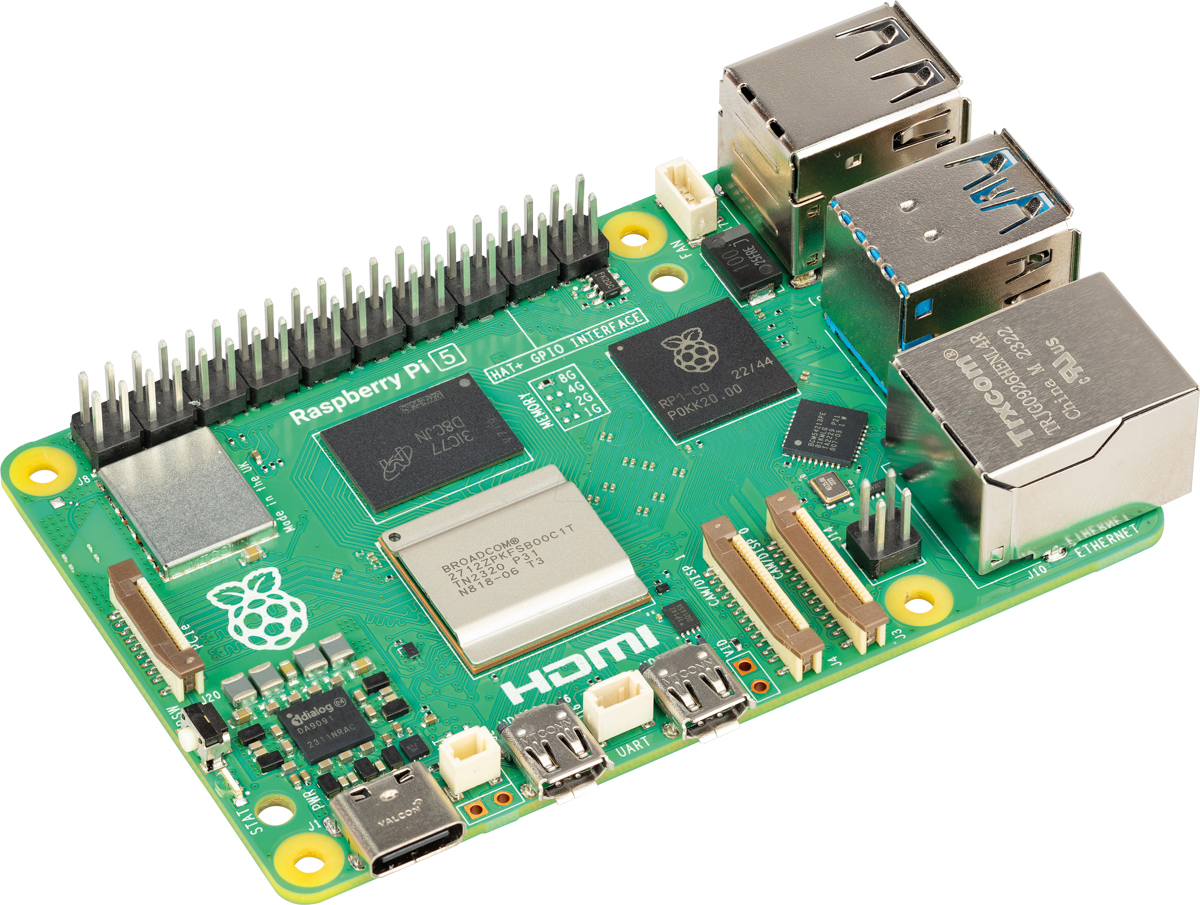
Raspberry Pi Models
Raspberry Pi 5 with 4GB RAM
Raspberry Pi Models
The right model for a 4K display or video, and enough headroom if you add software beyond the viewer.


The parts I actually use in my own builds, in the order you'll need them. Start with a shortcut below, or pick a component.
Raspberry Pi Models
Raspberry Pi Models
The right model for a 4K display or video, and enough headroom if you add software beyond the viewer.
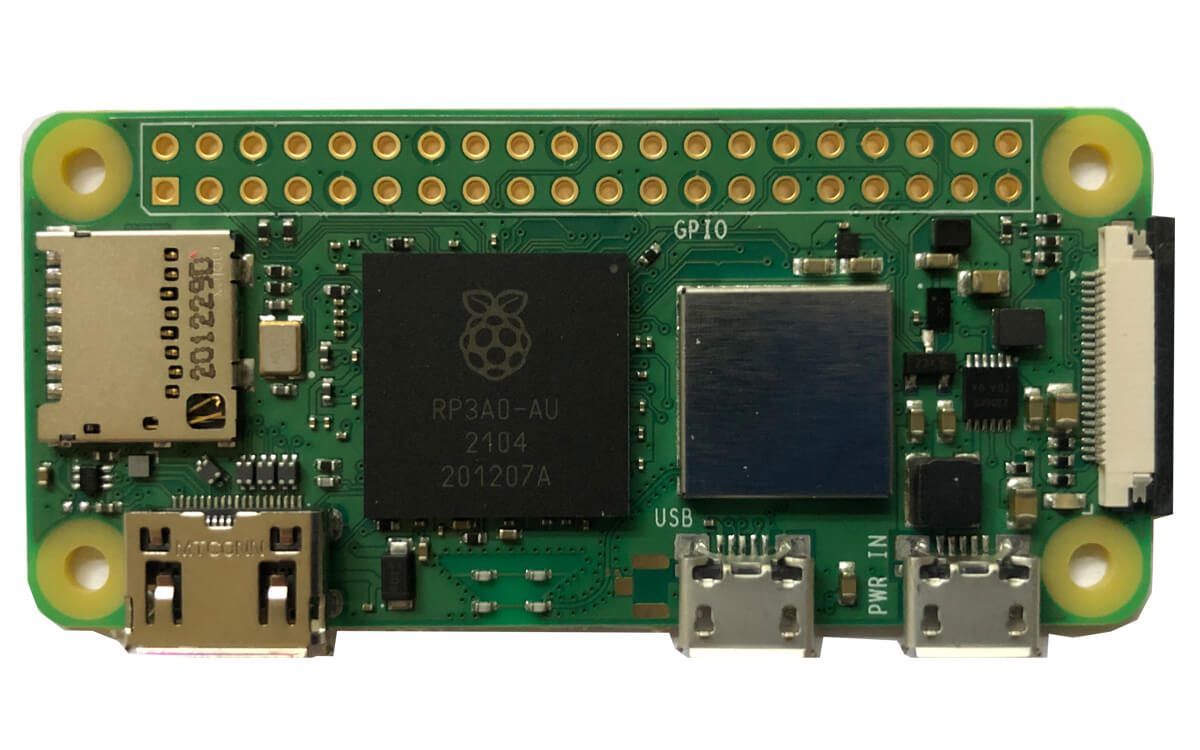
Raspberry Pi Models
Raspberry Pi Models
Powerful enough to run Pi3D PictureFrame, unlike the original Zero — and it barely takes any space behind a screen.
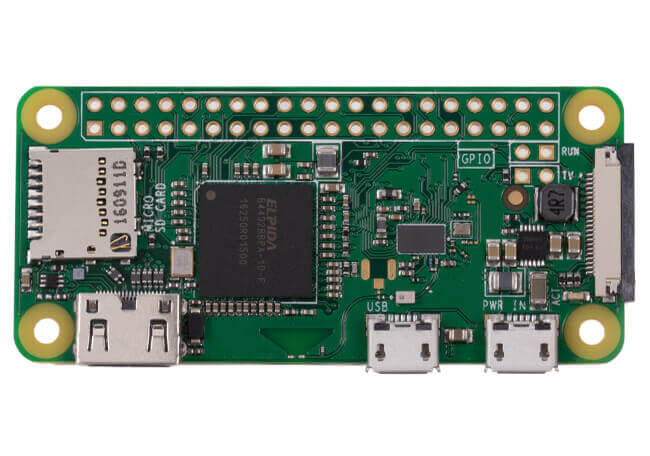
Raspberry Pi Models
Raspberry Pi Models
Suitable for a simple viewer like feh. I would not run Pi3D PictureFrame on it — get the Zero 2 W instead.
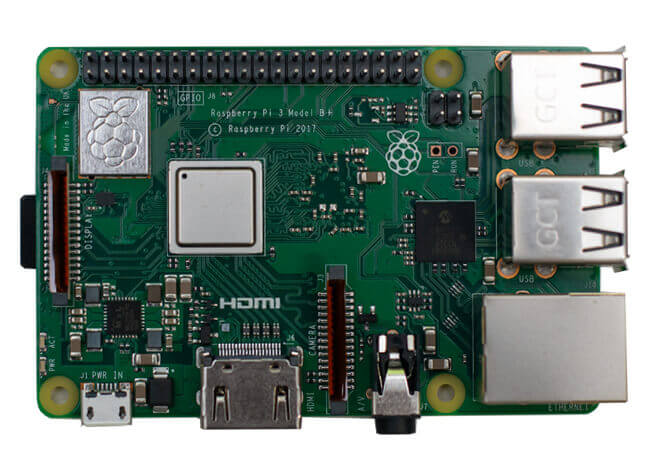
Raspberry Pi Models
Raspberry Pi Models
The right model for a display up to 1920 × 1200. Below that resolution there is no reason to pay for a Pi 4.
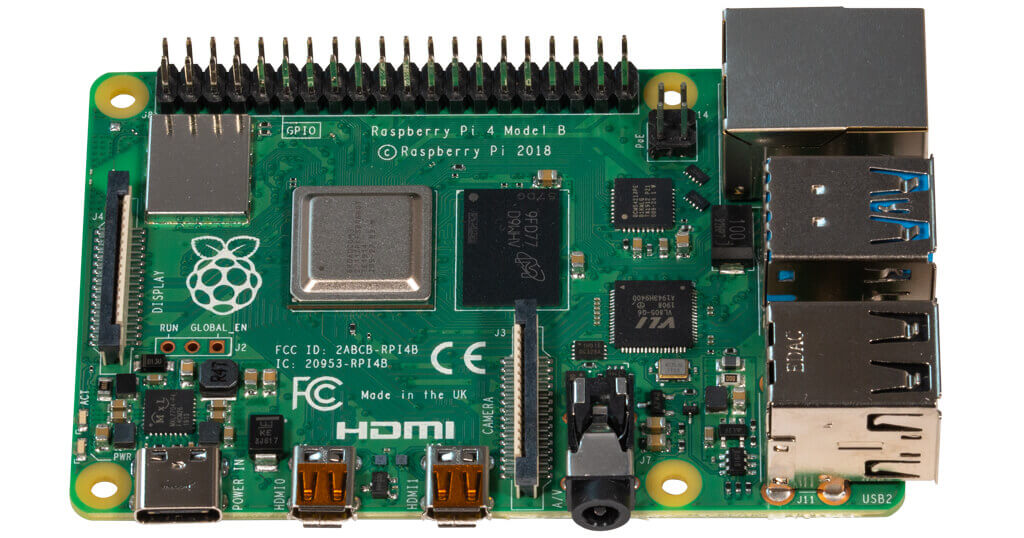
Raspberry Pi Models
Raspberry Pi Models
The right model for a 4K display, with room for plenty of other software besides the image viewer.
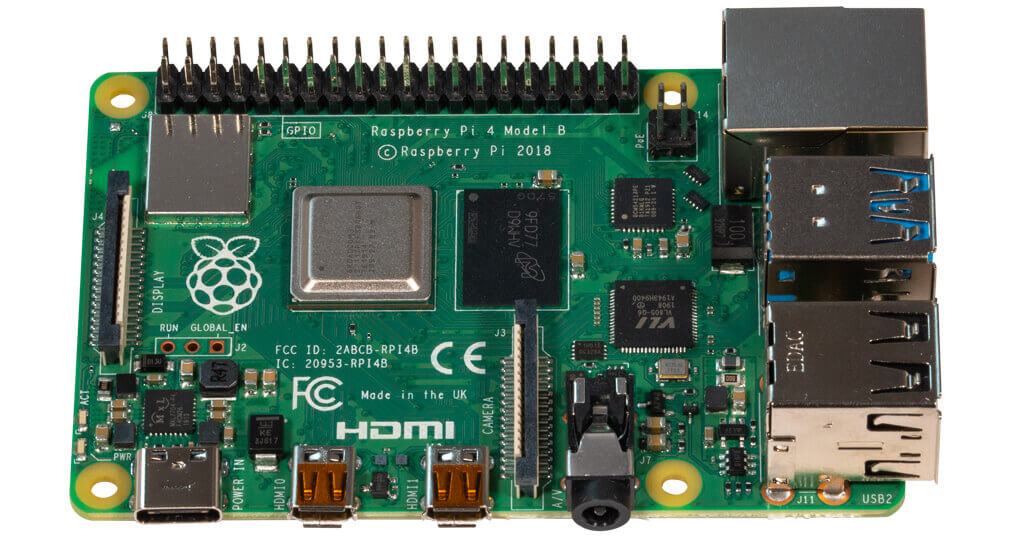
Raspberry Pi Models
Raspberry Pi Models
Drives a 4K display fine. Take the 4 GB version only if you plan to run more than the viewer.
SD Memory Cards
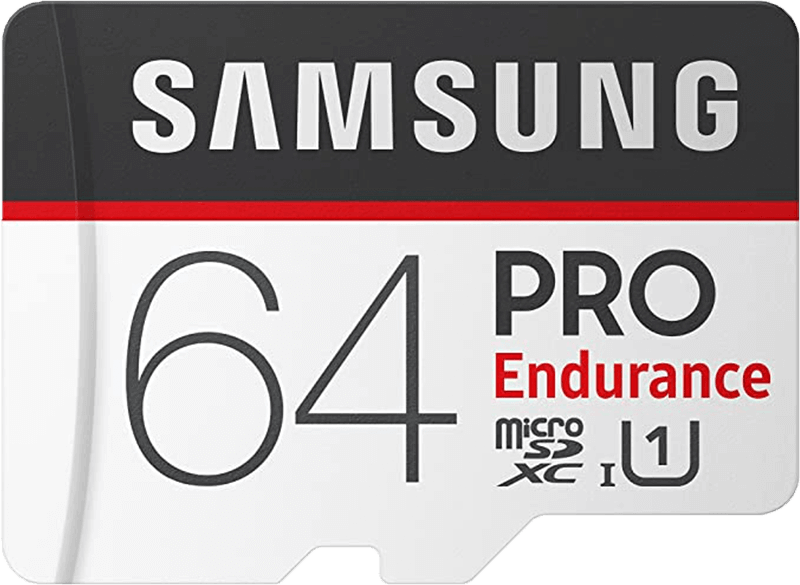
SD Memory Cards
An "Endurance" grade card, so it survives being written to constantly. Take the 64 GB for a 4K frame.
SD Memory Cards
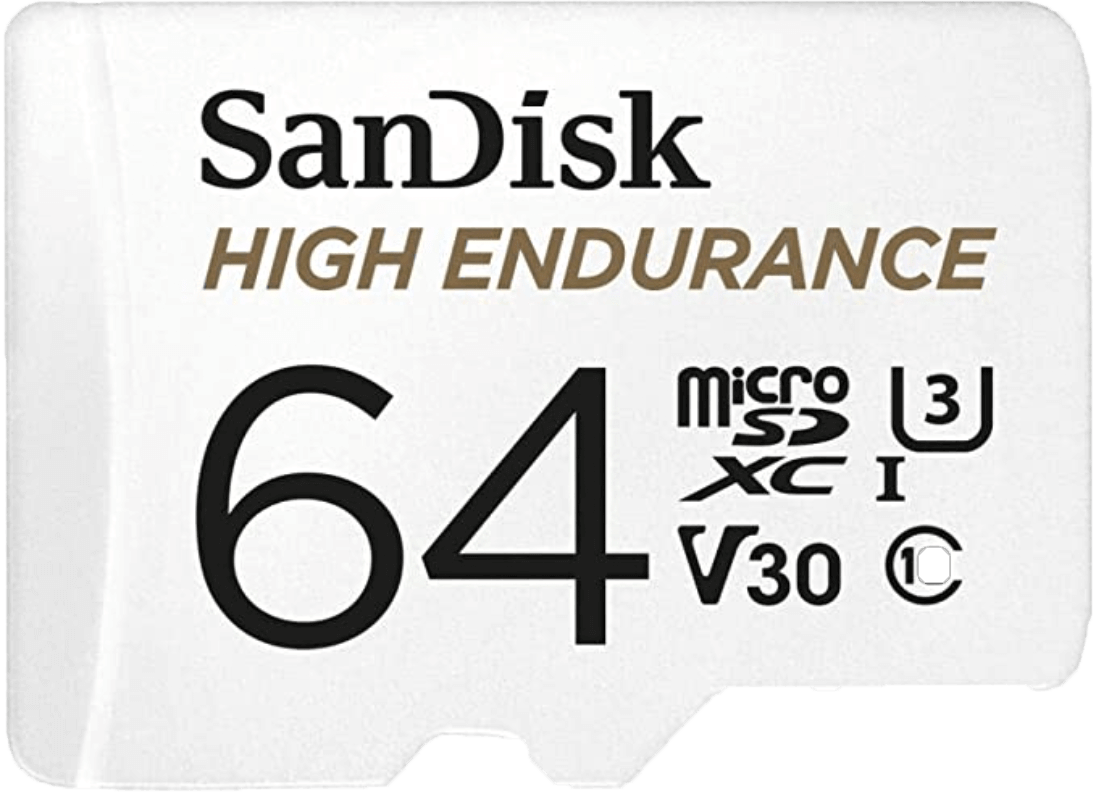
SD Memory Cards
The SanDisk endurance card, sized for a 4K build. Peace of mind about the one part that usually fails first.
SD Memory Cards
SD Memory Cards
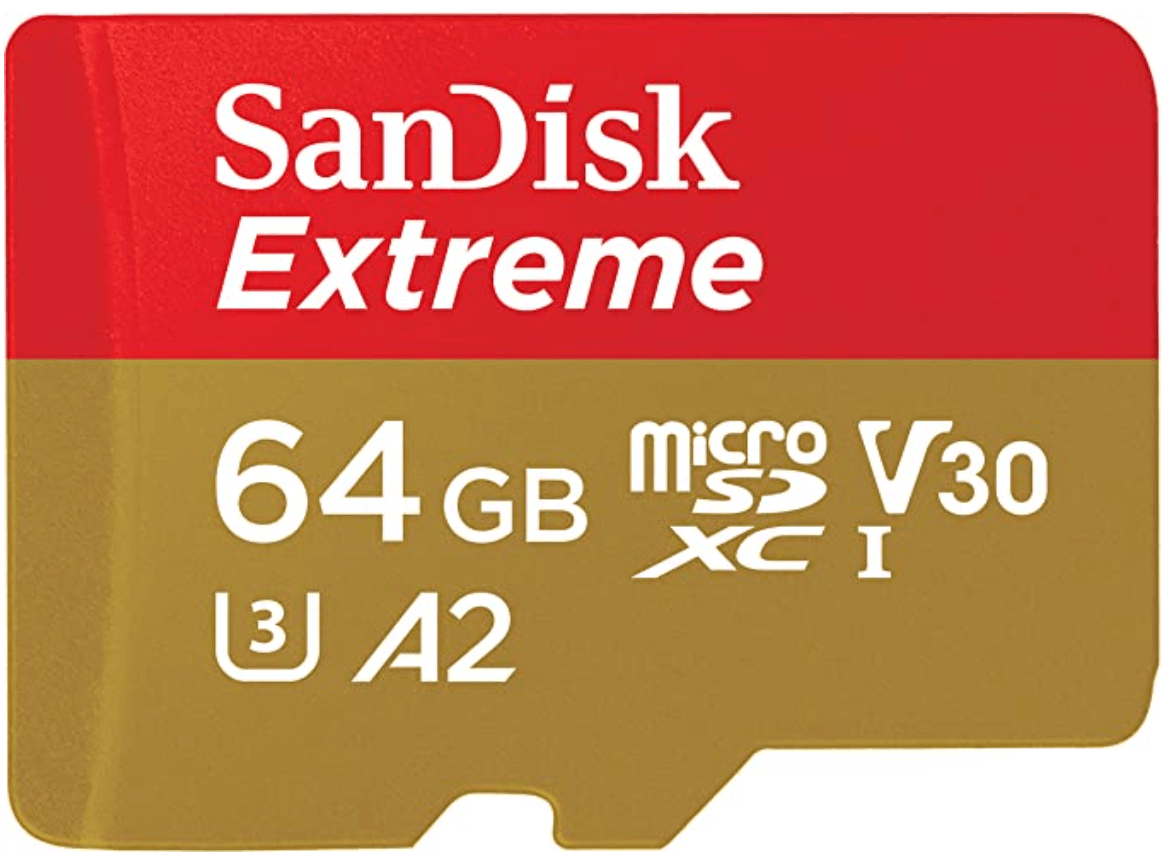
Fast and long-lived, and the size to pick if you are building a 4K frame.
SD Memory Cards
SD Memory Cards
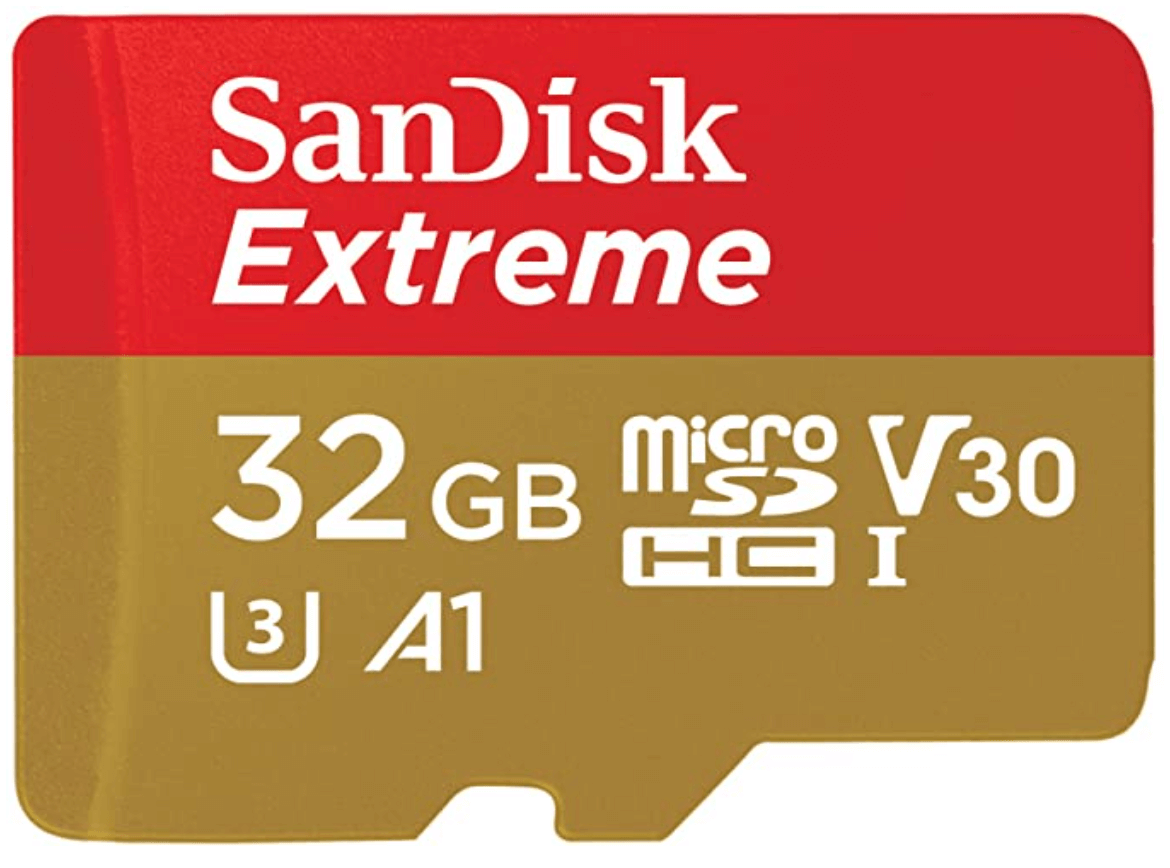
Enough for about 10,000 photos in HD. Step up to 64 GB only if you are building in 4K.
Raspberry Pi Cases
Raspberry Pi Cases
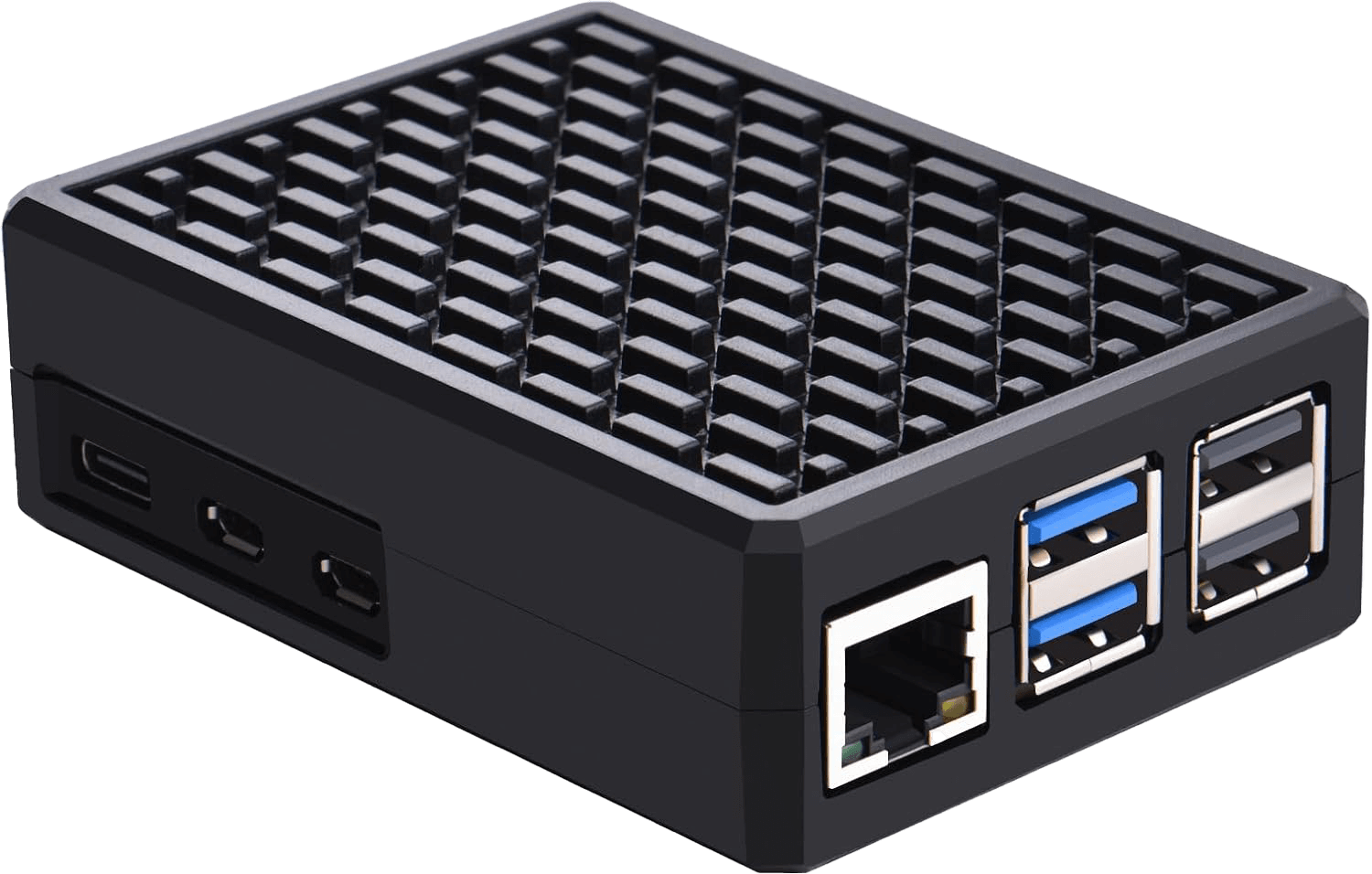
The Pi 5 runs hot; this aluminium case has a passive heatsink good enough that you can skip fans entirely.
Raspberry Pi Cases
Raspberry Pi Cases
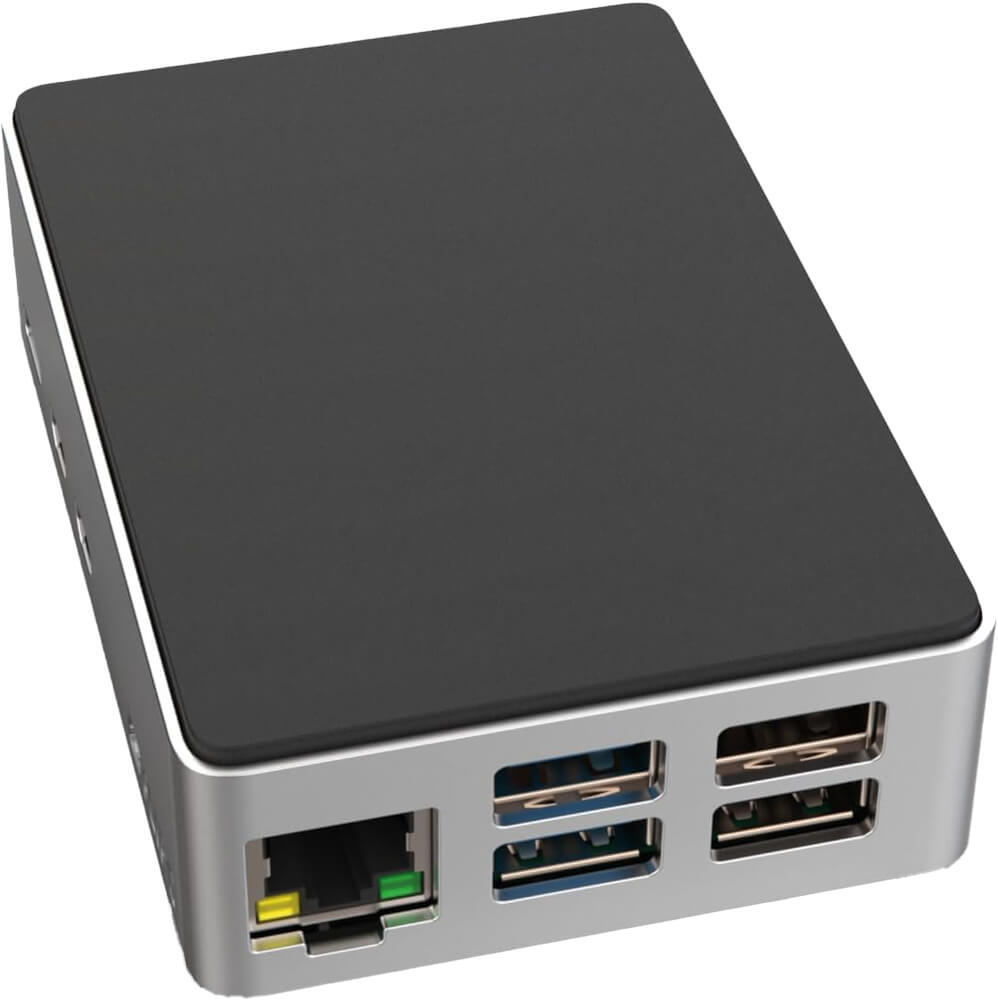
My pick of the Pi 5 cases — passive aluminium cooling, no fan, and the power button stays accessible.
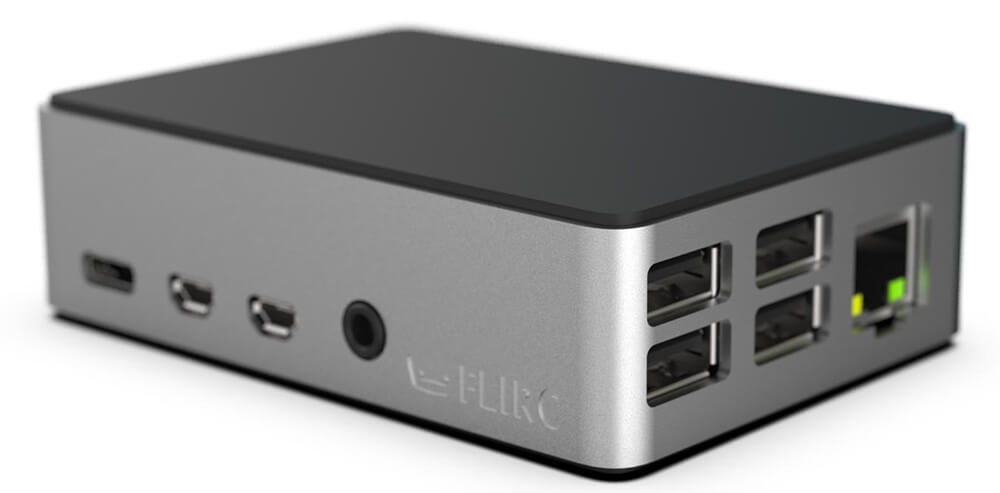
Raspberry Pi Cases
Raspberry Pi Cases
The best-looking Pi 4 case, and the built-in heatsink means no fan noise behind your frame.
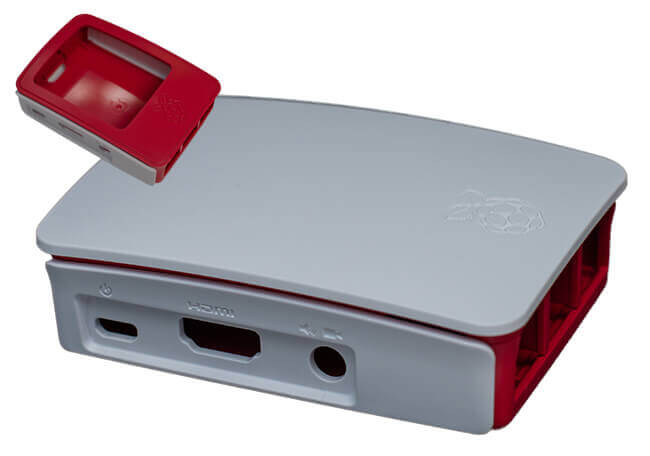
Raspberry Pi Cases
Raspberry Pi Cases
Fine for a Pi 3 running just an image viewer — no extra cooling needed unless you add other software.
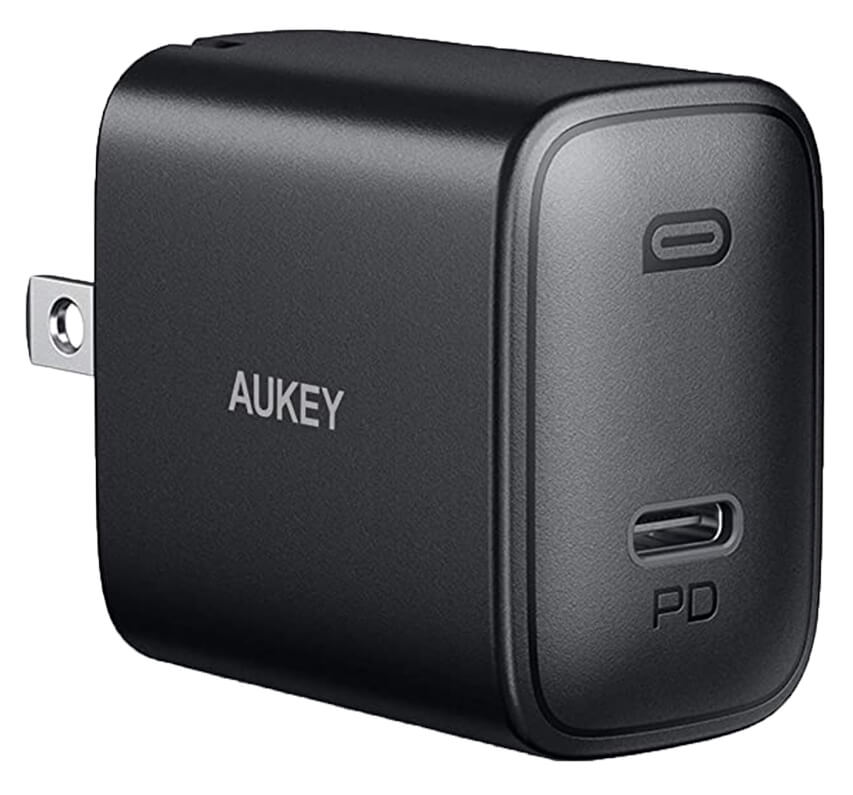
Power Supply
Power Supply
Flat enough to mount behind a display, good quality for the price, and a 24-month warranty.
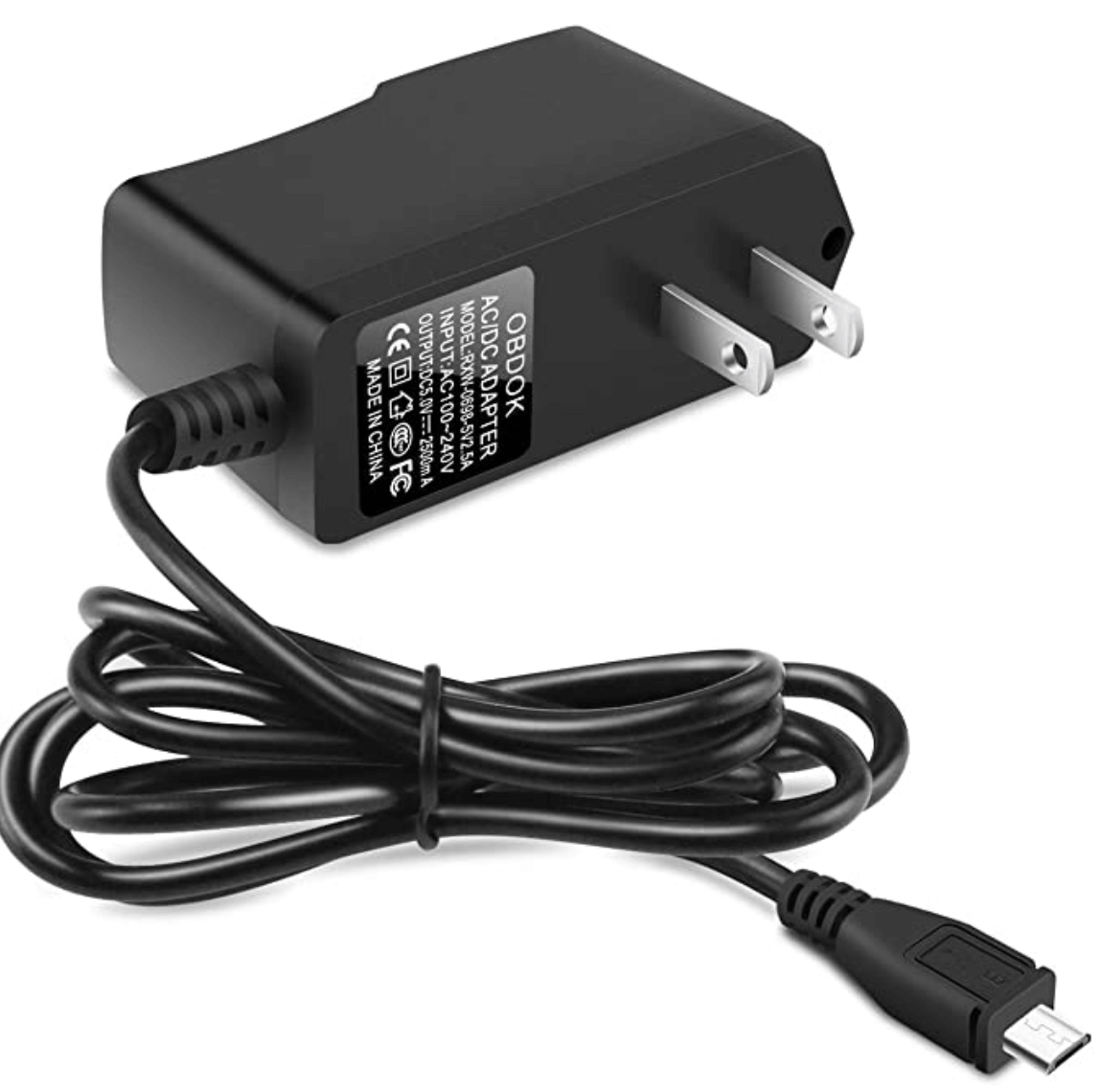
Power Supply
Power Supply
Use a proper 2.5 A supply for a Pi 3. Skimp here and you get inexplicable bugs later.
Power Supply
Power Supply
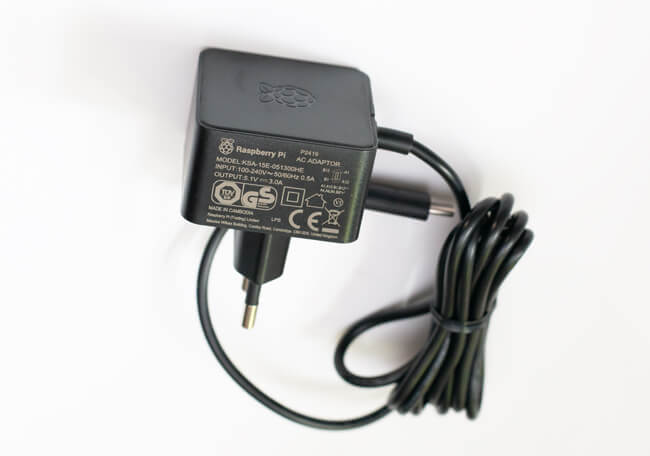
The official 5.1 V supply for the Pi 4, with short-circuit and over-temperature protection. Do not improvise this part.
Monitors
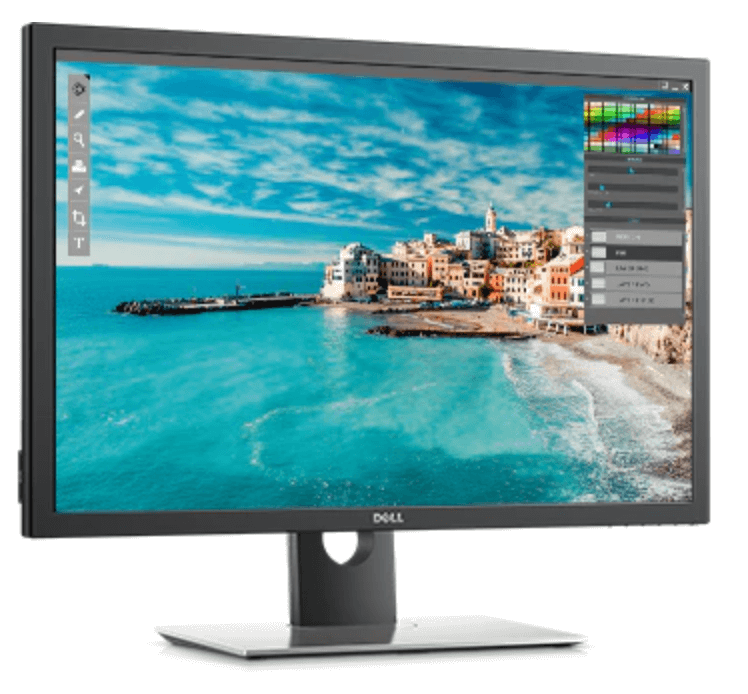
Monitors · 30″ · 2560 × 1600 px · 16:10
The only 30-inch 16:10 panel I know of. Not 4K and not cheap, but the colours are excellent.
Monitors
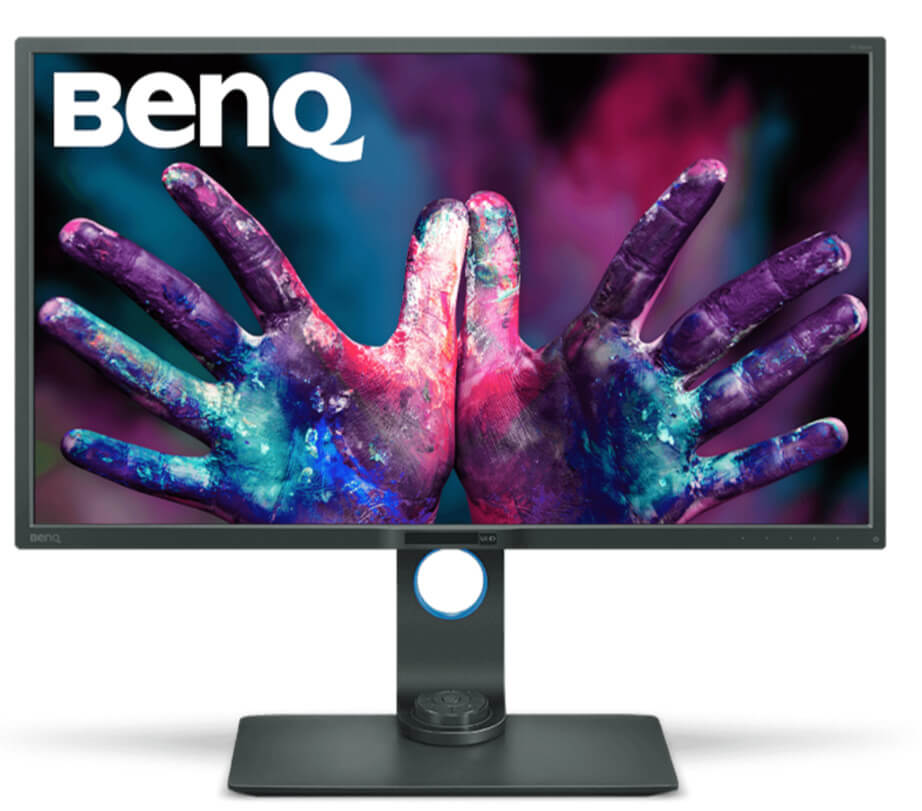
Monitors · 32″ · 3840 × 2160 px (4K) · 16:9
Outstanding 32-inch 4K panel with accurate colour — the screen behind my superslim build. Get a solid mount, it is heavy.
Monitors
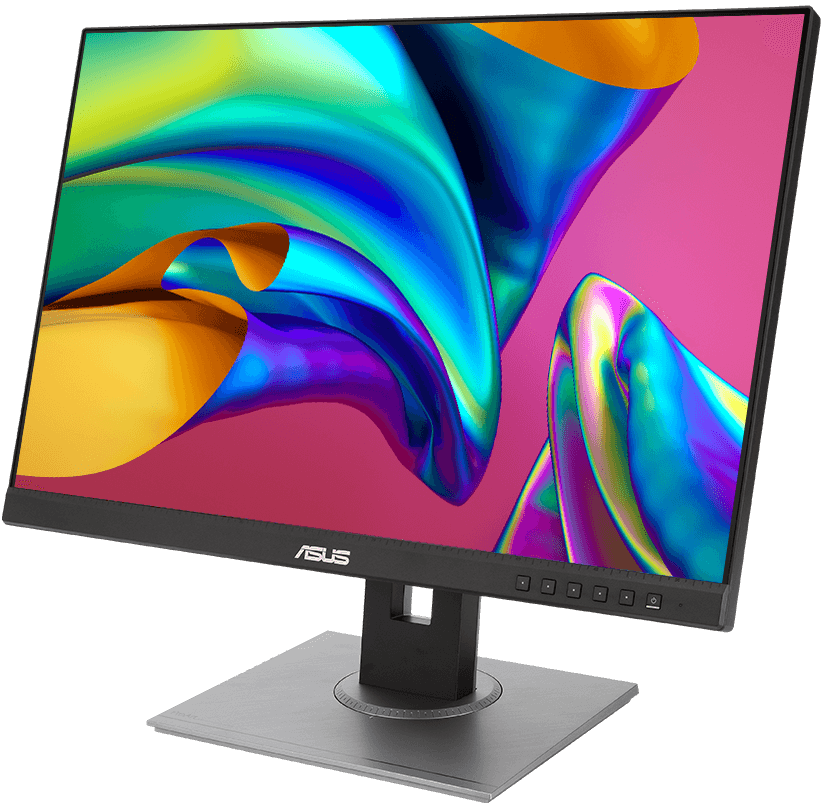
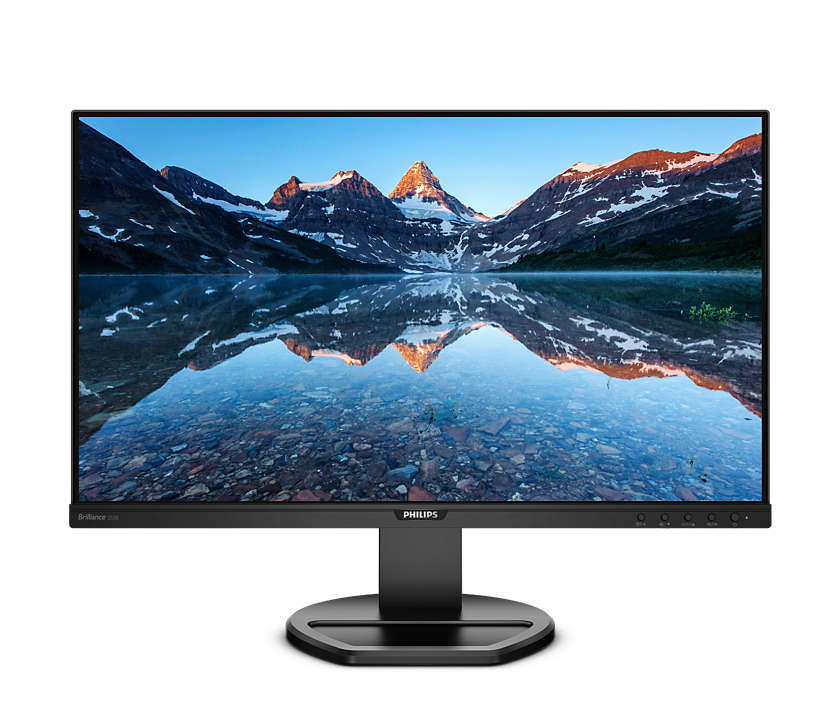
Monitors · 24″ · 1920 × 1200 px (HD) · 16:10
One of the few 16:10 24-inch panels left, factory-calibrated — the aspect ratio that suits photos.
Monitors
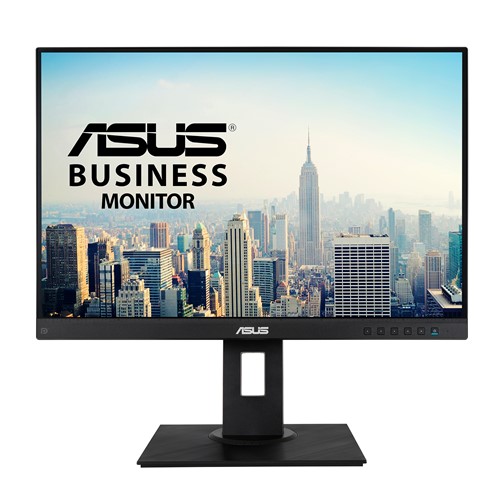
Monitors · 25″ · 1920 × 1200 px (HD) · 16:10
A 25-inch 16:10 panel with a very thin frame and downward-facing connectors — easy to build into a slim frame.
Monitors
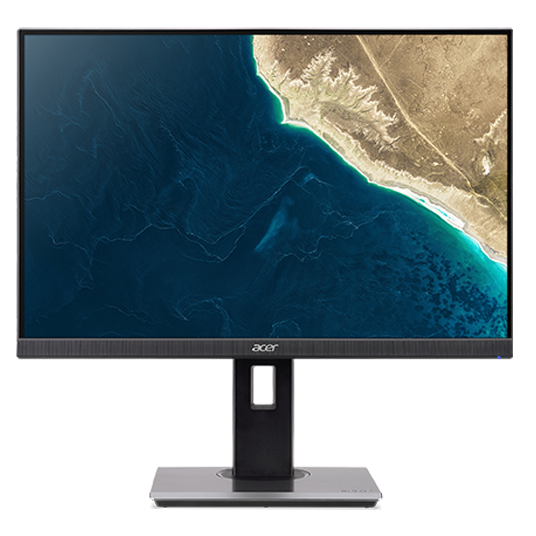
Monitors · 24″ · 1920 × 1200 px (HD) · 16:10
16:10, 100% sRGB, thin bezel and downward connectors. A quieter alternative to the ProArt.
Monitors
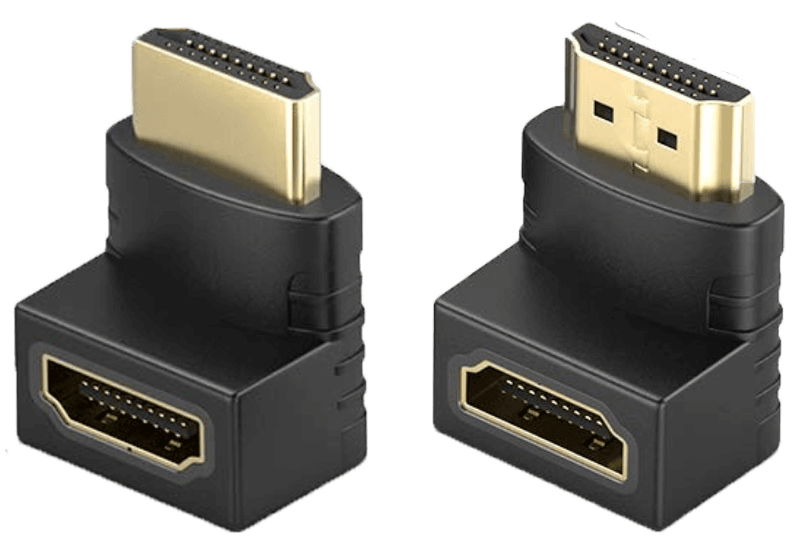
Monitors · 25″ · 1920 × 1200 px (HD) · 16:10
Another 25-inch 16:10 option: 100% sRGB, thin frame, internal power supply, connectors facing down.
HDMI Cables
HDMI Cables
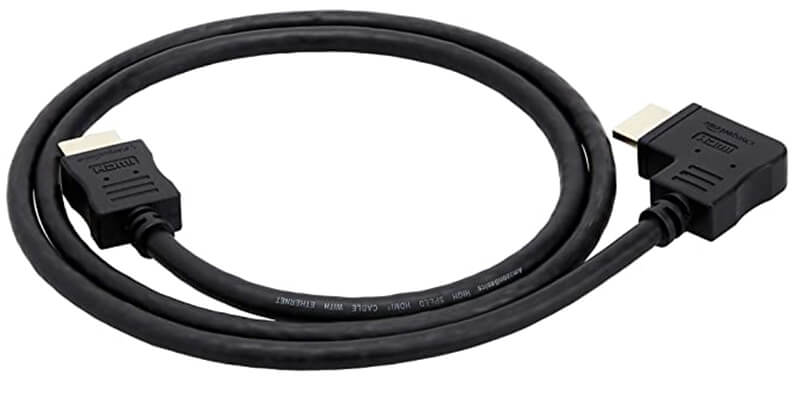
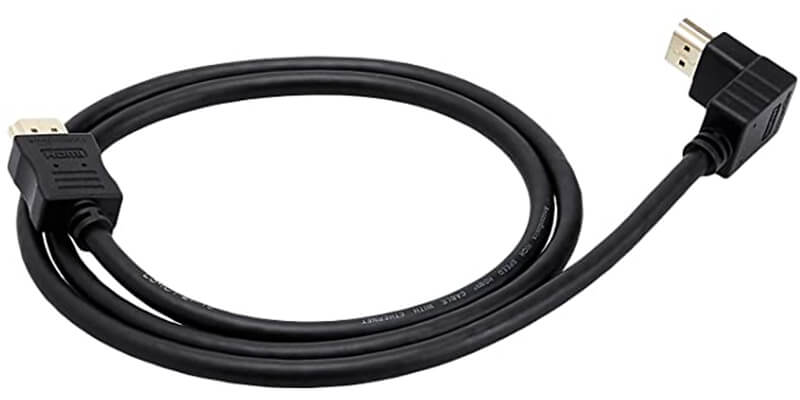
For when the HDMI port faces the wall. Get the set with both angles — they are inexpensive.
HDMI Cables
HDMI Cables
A side-angle HDMI cable, for displays whose port sits where a straight plug will not fit.
HDMI Cables
HDMI Cables
A down-angle HDMI cable, for displays whose port faces the floor.
HDMI Video Capture Card
HDMI Video Capture Card
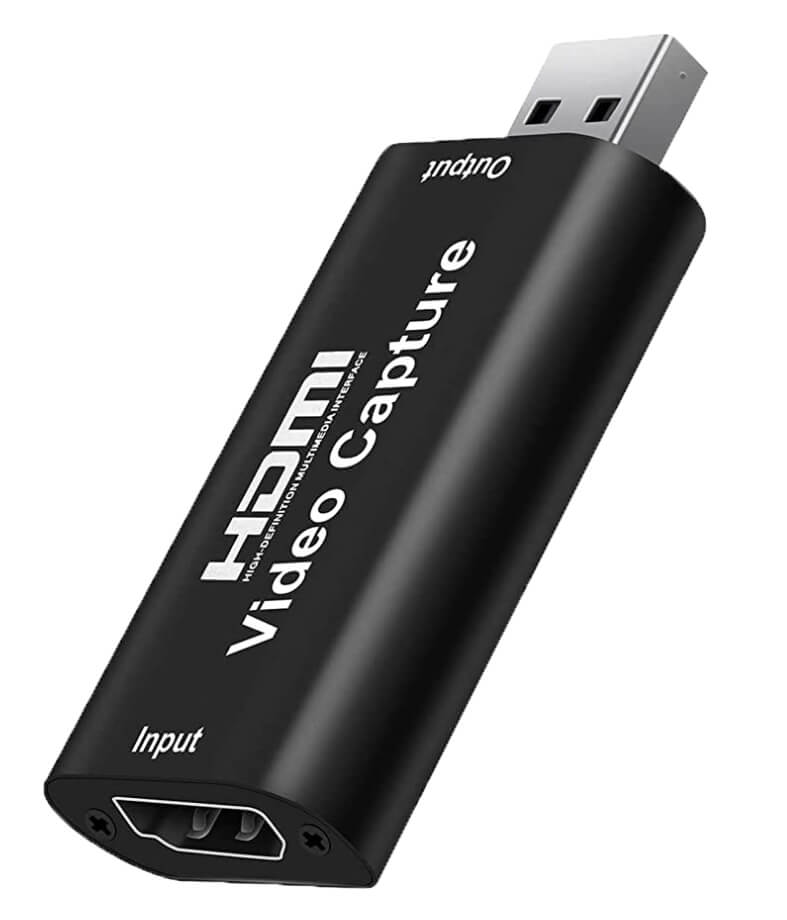
Runs your Pi headless? This shows the Pi output on any Mac or PC over USB. Genuinely useful when something goes wrong.
Monitor Wall Mounts
Monitor Wall Mounts
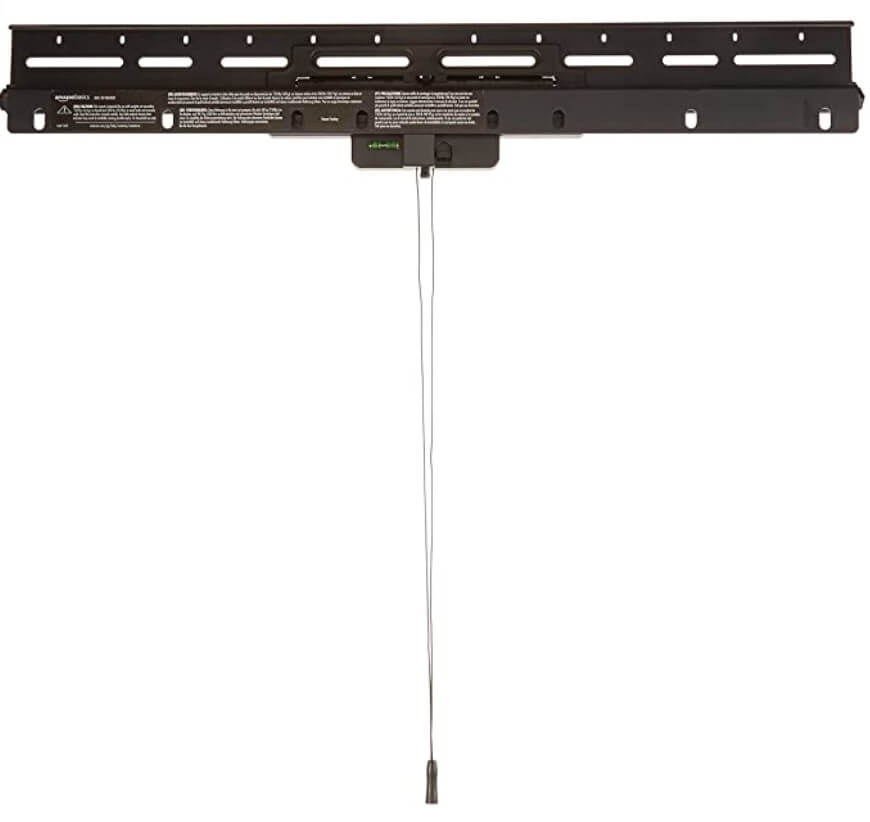
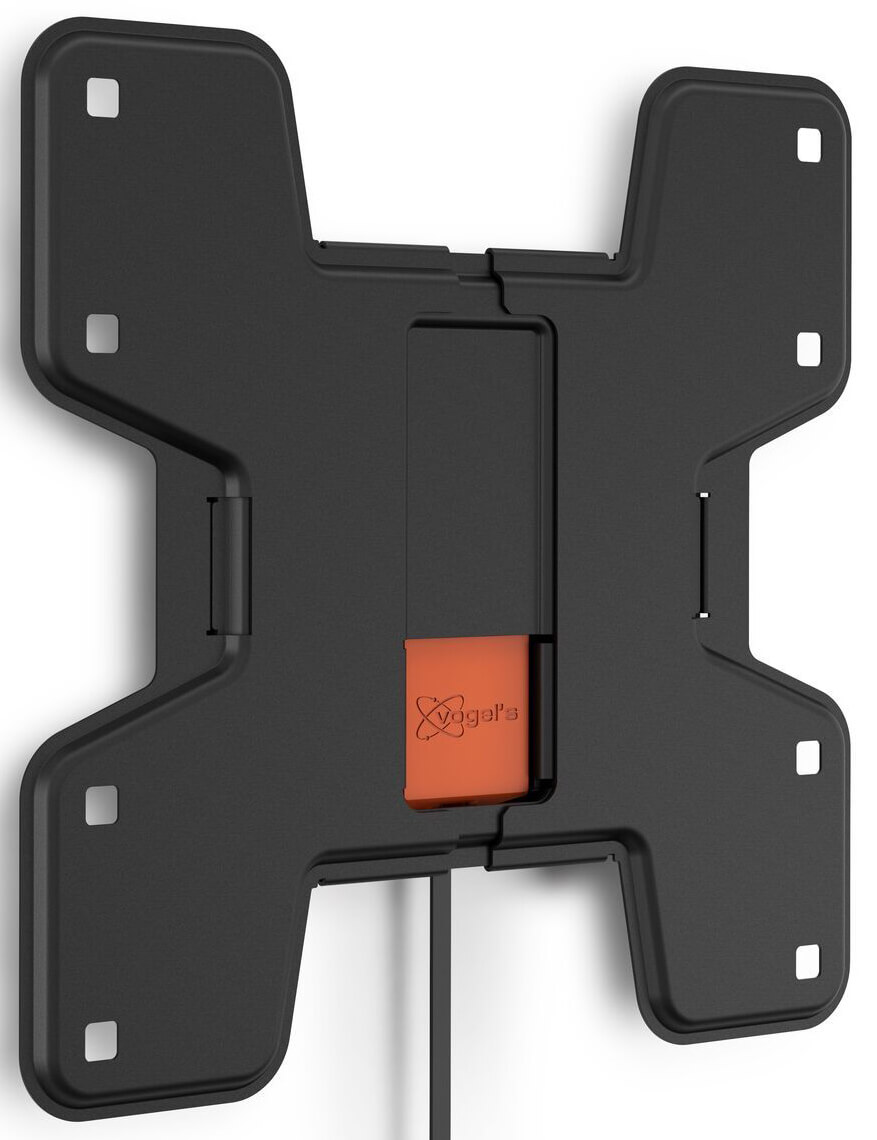
A no-stud mount that sits an inch off the wall and takes 32–80 inch panels — flat enough to pass as a frame.
Monitor Wall Mounts
Monitor Wall Mounts
A very flat fixed mount — the point of it is that the panel sits close enough to the wall to read as a picture.

Voice Assistants
Voice Assistants
The Alexa model I recommend if you want to voice-control your frame. Fits in a small space.
Tools
Tools
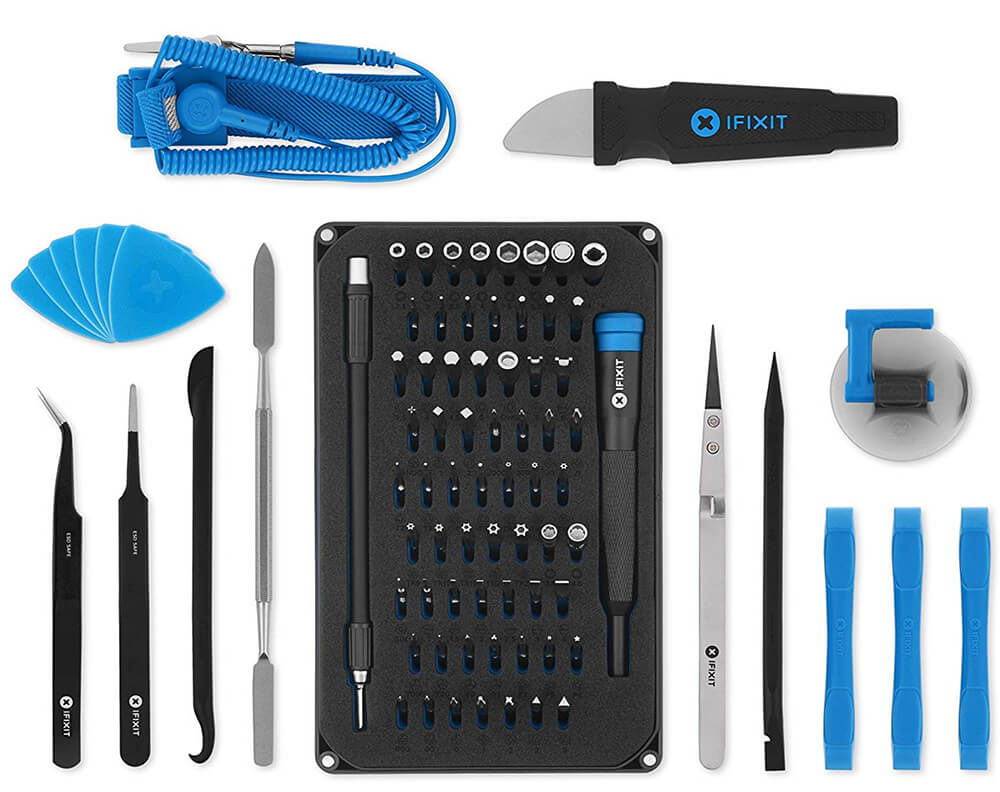
The kit for opening a monitor without wrecking the bezel. Every serious home builder ends up wanting one.
No parts match all of that
Size, resolution and aspect ratio only apply to monitors — combining them with another component leaves nothing.
Digital picture frames are like a time machine. They constantly bring up memories, start conversations and make you smile. They are a great way to remain close to those who are far and bring joy to everyday friends & family.
On this website, you will find unbiased product reviews and recommendations on off-the-shelf digital picture frames as well as many do-it-yourself instructions that will enable you to build a customized digital picture frame based on the famous Raspberry Pi.
This page may include affiliate links. When you click on any link from Amazon, I receive a small commission on the sale. It doesn’t cost you a penny and helps support the site. The opinions on this blog are solely motivated by my research and experience.
If you want to show your appreciation for my efforts, please use the affiliate links throughout the website should you wish to make a purchase. It’s a wonderful token of appreciation and encouragement to continue this work. Thank you.