A guest post by Tom Lemmons, founder of Nimbus
Wolfgang first wrote about Nimbus in 2020, after a Skype call where I told him how the whole thing started: with a PC, then a Raspberry Pi, bolted to the back of a screen in my house. A lot of you reading this have done the same thing, or you're halfway through it right now. So instead of a product tour, I want to share what I've learned about making a screen look like art rather than a television, where that's taken us, and something new we'd love this community's help with.
It started as a project like yours
In 2010 I was tired of printed photos in frames. You only ever get to show a handful, and they never change. My wife DeeAnn gave me some gentle nudging, and I built a PC-based prototype. It worked, sort of. It was loud and big and ran hot. When the Raspberry Pi came along I switched, and suddenly I could build frames for my parents and friends that just ran.
At first I was buying off-the-shelf TVs from Best Buy and tearing off the plastic cases then building them into a wooden frame. It did not take me long to figure out that was not sustainable. And those LCD panels did not last very long running even close to 24x7.
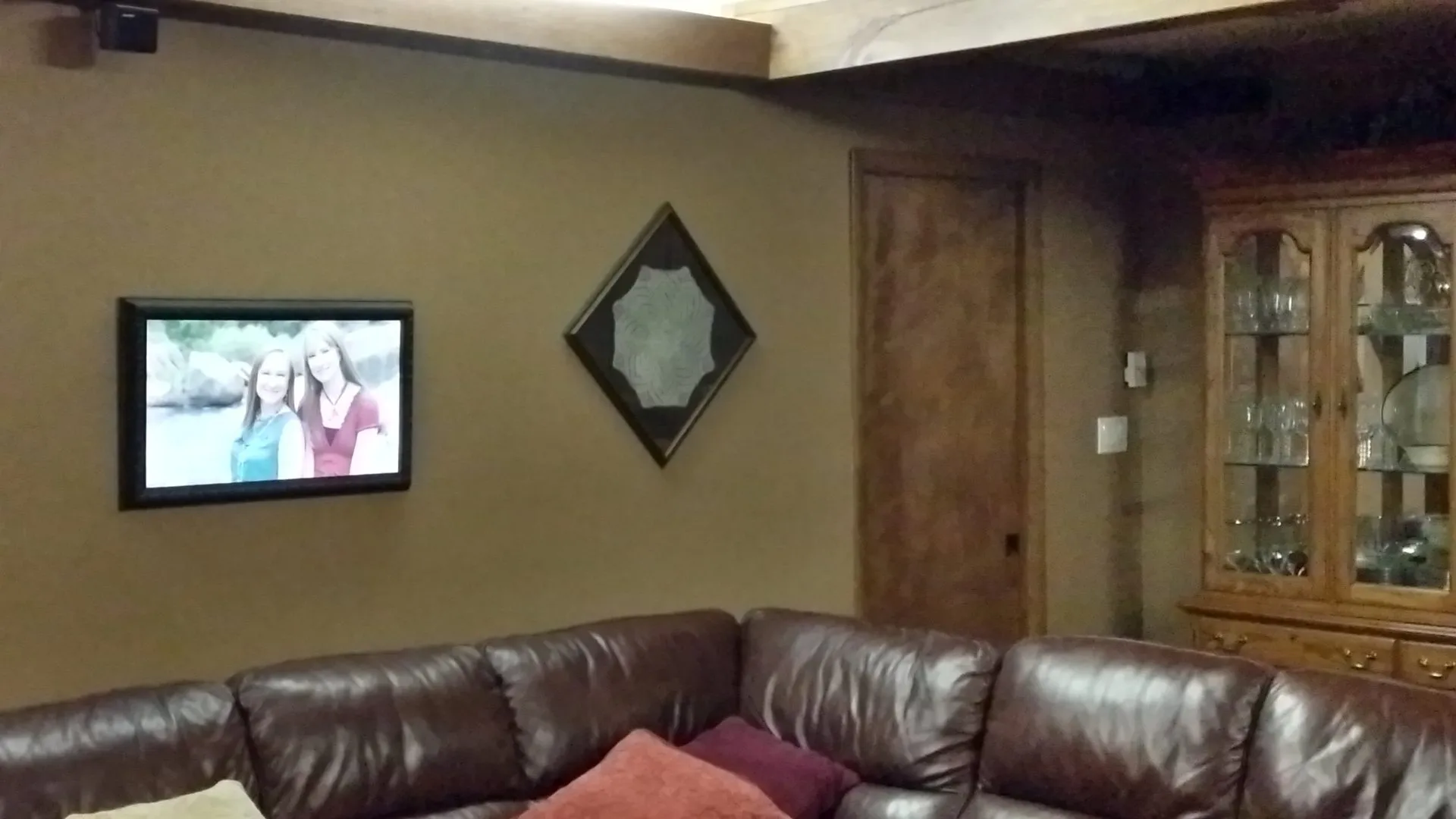
One of my original frames, in our basement family room.
By 2016 enough people had asked for one that DeeAnn and I turned it into a company. But the parts that turned out to matter most weren't the ones I expected. I found out fast that ordering small quantity LCD panels, power supplies and video boards was not for the faint of heart. We managed to get an order and got started building in our basement.
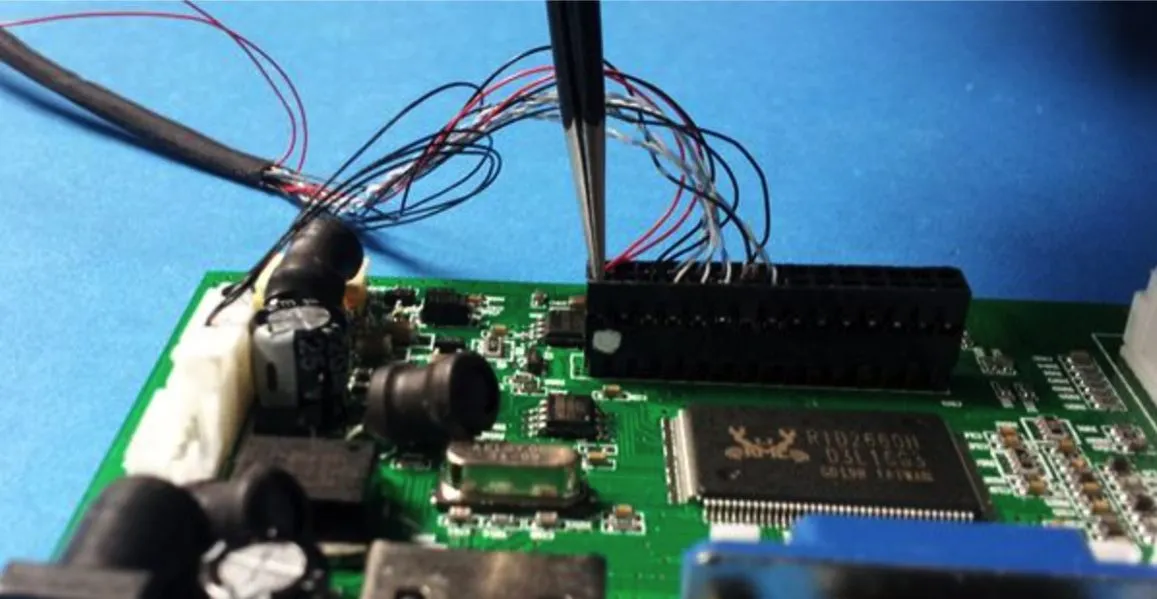
Basement production: wiring an LCD controller board by hand.
Five things I learned about making a screen read as art
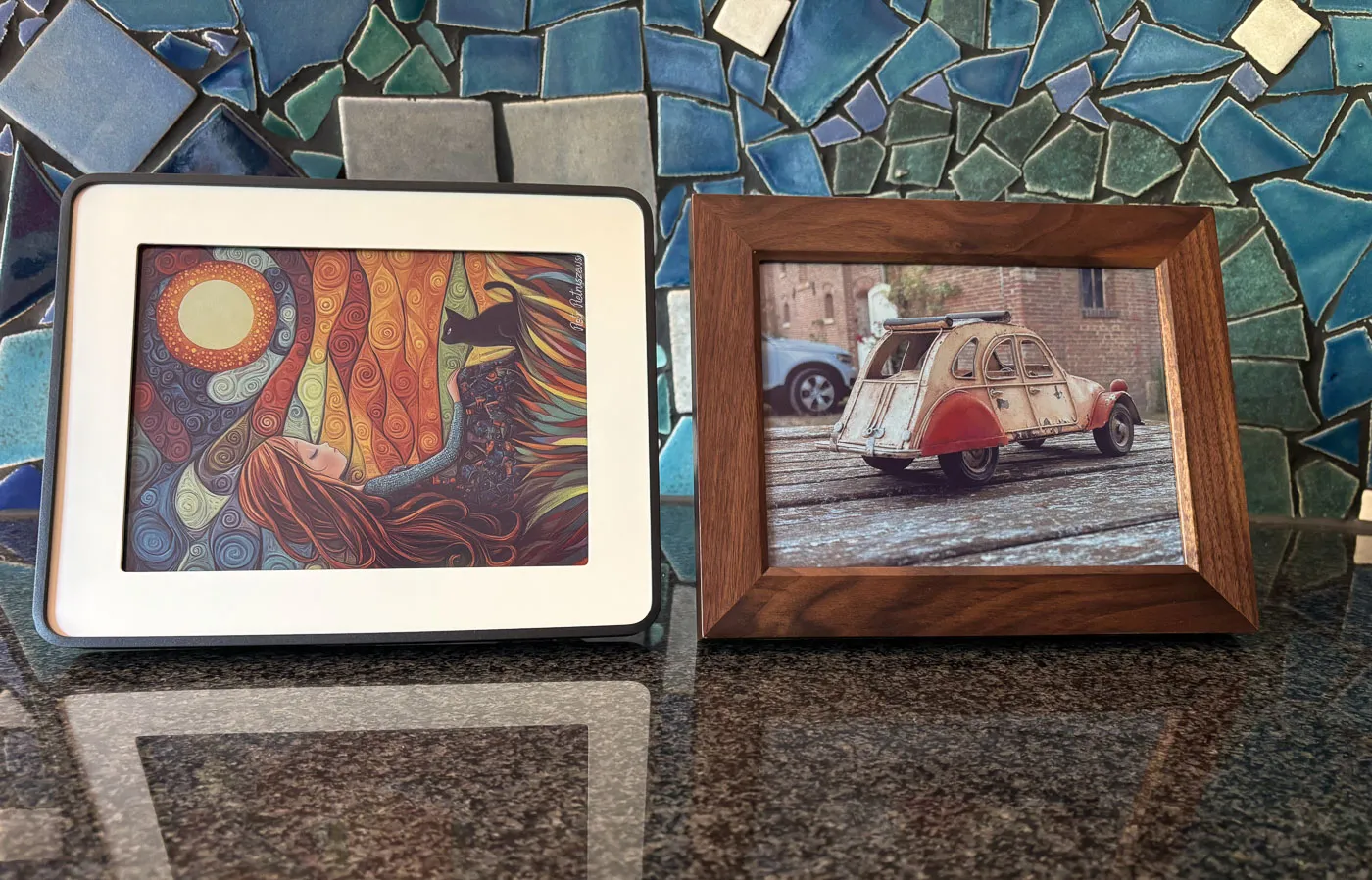
1. The surface matters more than the resolution. A glossy screen mirrors the room, and a reflection is the single biggest thing that stops a picture from reading as a painting. A matte, anti-glare panel does more for the illusion than any jump in pixel count. If you're choosing a panel for a build, this is the spec I'd fight for first.
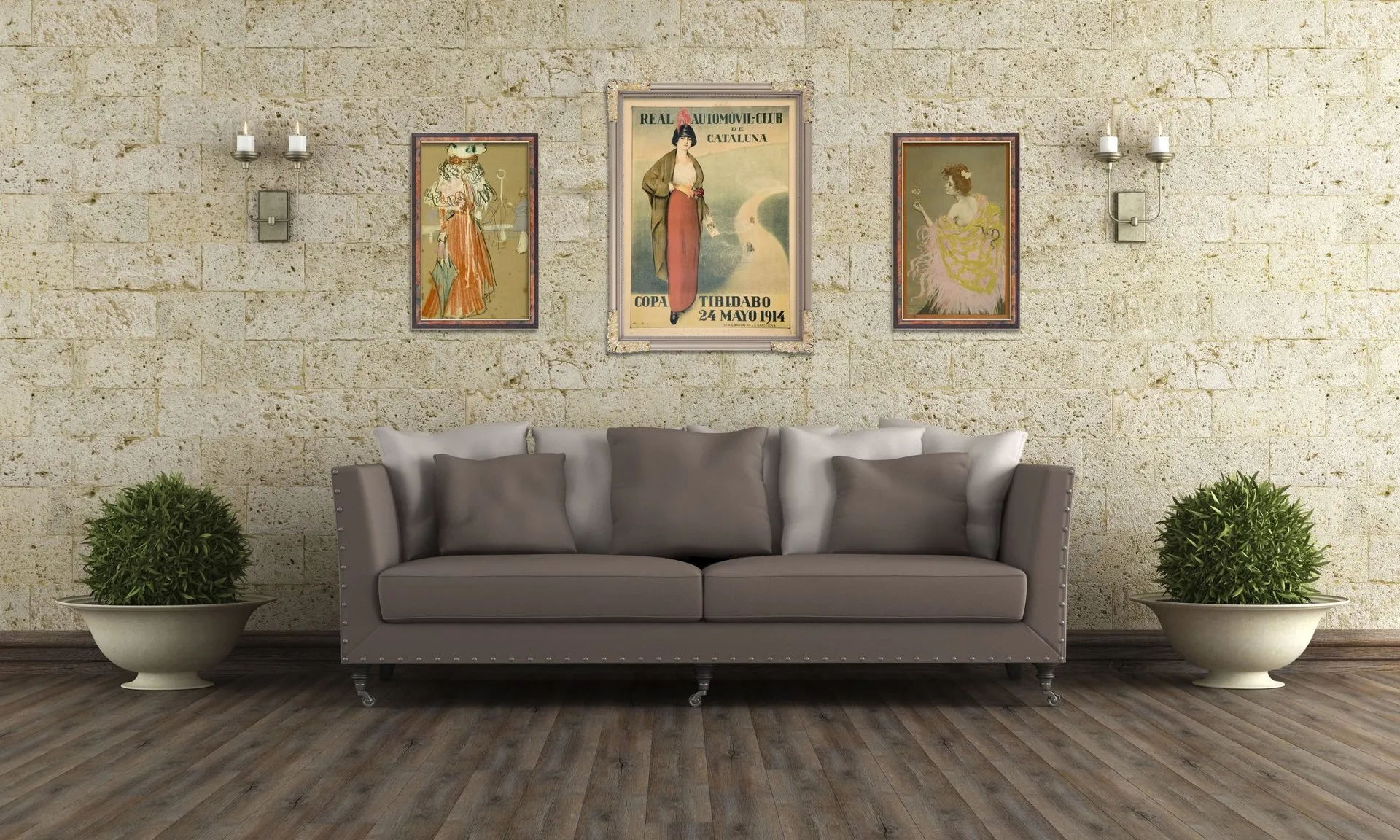
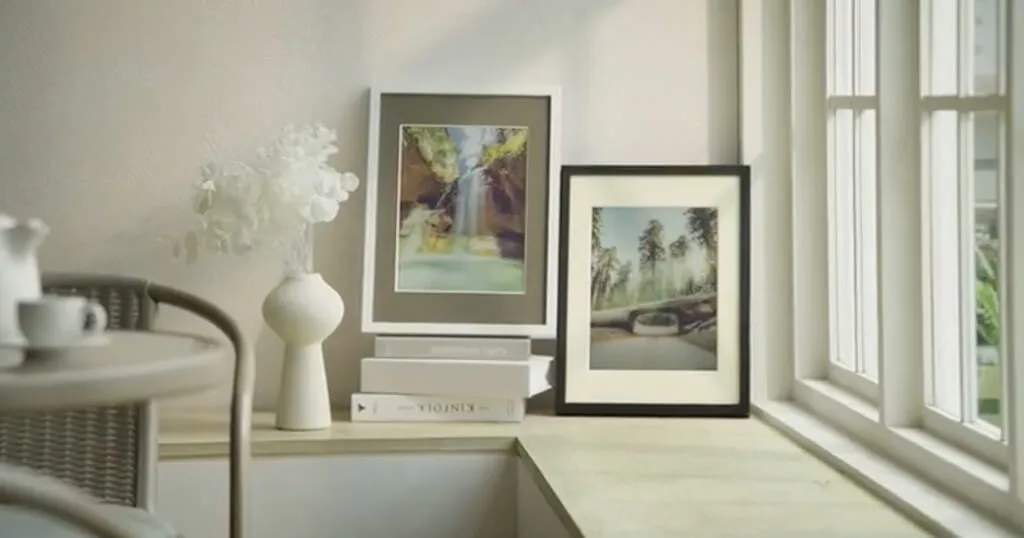
Matte screens with a digital mat and frame: from across the room, they read as prints.
2. Crop for the shape, not the pixels. The same picture has to work in landscape, in portrait, and on screens of different proportions. We ended up storing crops per aspect ratio, so a photo framed well for a 16:9 screen looks the same on any 16:9 screen, whatever its resolution, and you can still set a special crop for one particular frame when you want to.
3. A frame should know when to sleep. Art that glows at 3am isn't art, it's a nightlight. A schedule that turns the screen off at night and brings it back in the morning matters as much as anything you show on it. (The guest post here last month on scheduled dimming and standby gets this exactly right.) Next on our own list is the daytime version: brighter by a sunny window, softer in the evening.
4. It has to run without you. The difference between a project and a frame your family lives with is whether it recovers on its own after a power cut, a router reboot or a Wi-Fi hiccup. We still learn this one the hard way. Just this month a customer's frames went dark at the same hour on two Sunday mornings, and the likely culprit is his router's overnight maintenance, not the frames.
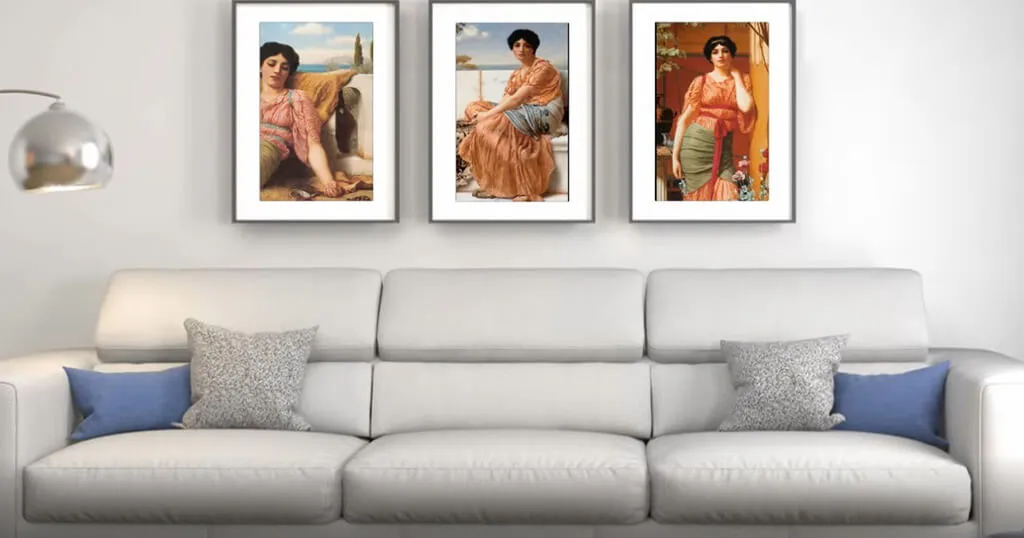
5. Several screens can be one picture. Some of my favourite setups are what we call mosaics, where several frames are grouped so one image, or a moving piece, spans the whole set, or where each frame shows its own picture but they all change together. One frame leads and tells the others what to show and when, so they stay in step even if the internet drops.
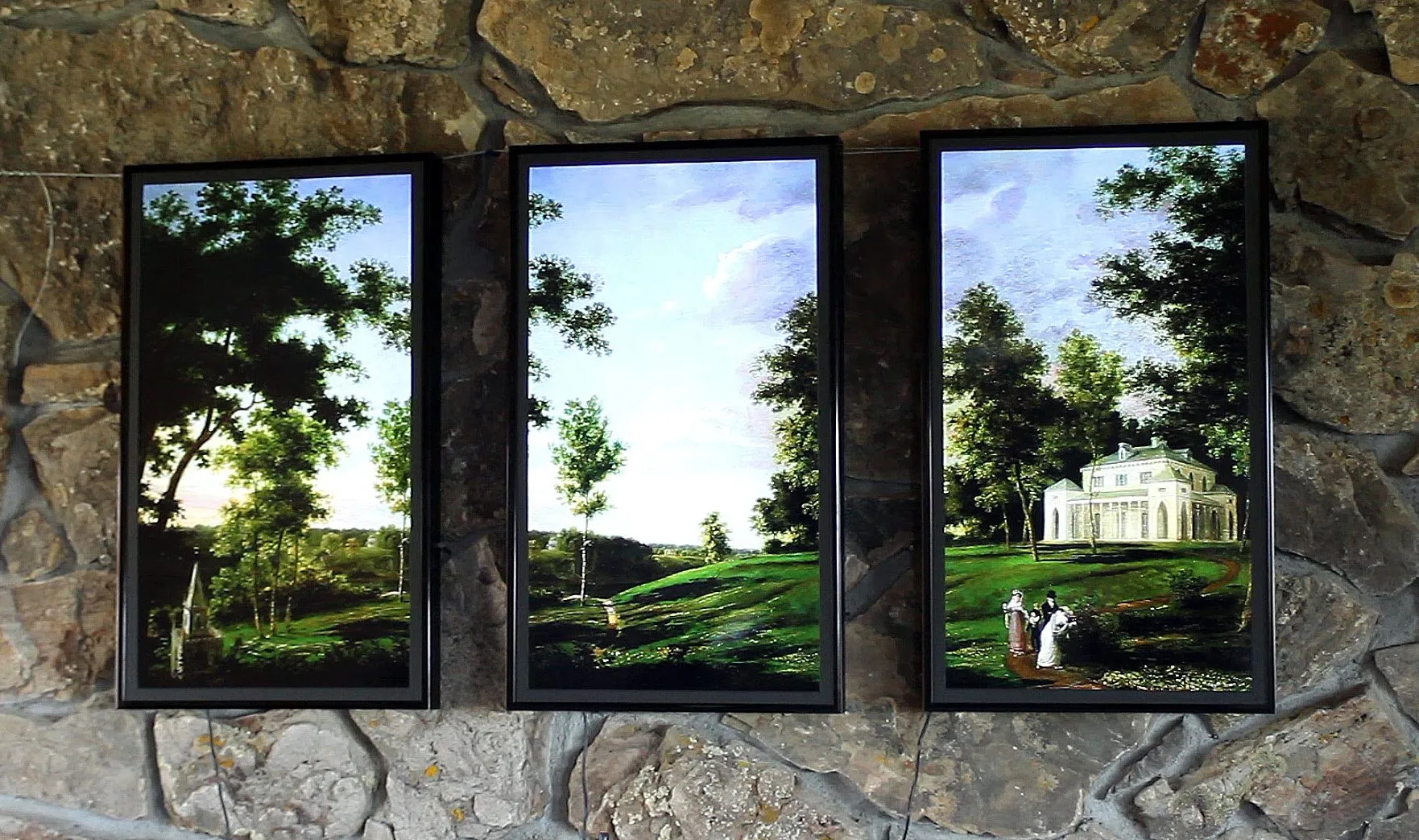
Three portrait frames on a stone wall, one landscape painting across all three.
The art is the hard part
Anyone in this community can get a picture onto a screen. Getting good art onto it, legally, and keeping it fresh is the part that stops most builds at "our holiday photos on rotation." That has always been the heart of Nimbus: a large library of fine art, public-domain masterpieces and licensed collections, alongside your own photos, arranged in playlists you control.
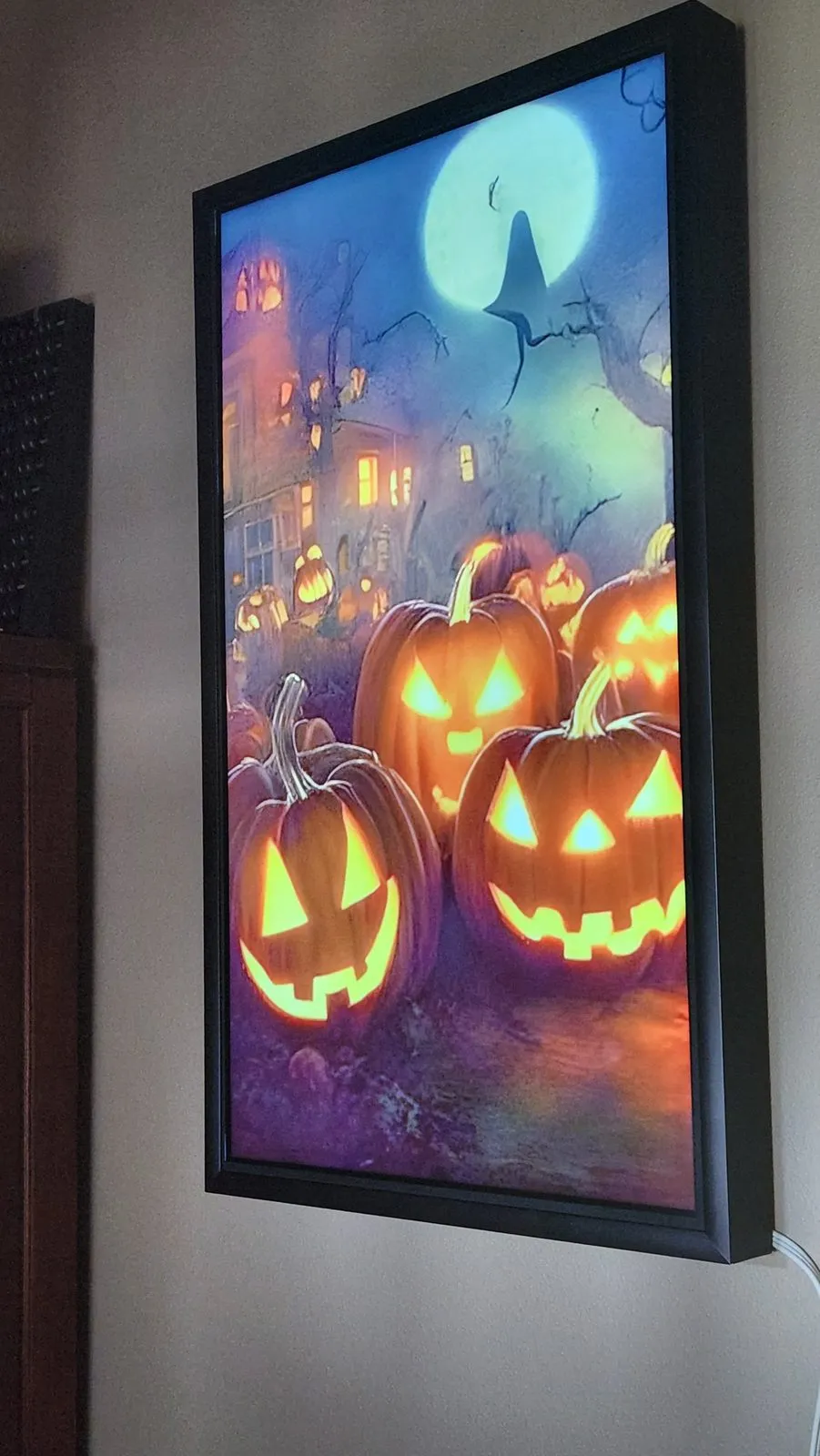
Fresh art keeps a frame worth looking at. One of ours, dressed for Halloween.
The part most builds never get: an app for the whole thing
Here's the thing I hear most from people who've built their own frame. Getting pictures onto it is solved. Changing them is the chore. You copy files over the network, edit a config file, SSH in to restart something, and it works until the next time you want to change it. It's even harder if the frame is at your parents' house.
The piece of Nimbus I'd least want to give up is the app, on the web and on iPhone and Android. From the couch, or from another state, you can:
- build playlists and put a different one on each frame,
- add your own photos straight from your phone,
- search the art library and drop pieces into a playlist,
- adjust how a picture is cropped for each frame's shape,
- set when each frame sleeps and wakes, and how long each picture stays up,
- see which frames are online and what each one is showing right now.
One account covers every frame you own, whatever it is. That's something a single DIY build rarely gets, because it's a whole second project, and an unglamorous one. It's also exactly what a home-built frame would get by joining Nimbus.
Where it's gone since 2020
These days I think of Nimbus less as a frame and more as the art and the service, on whatever screen you have. When Netgear said they were not interested in continuing the Meural frame line, Meural owners were concerned that their frames would shut off. We created the Meural bridge that can bring their Canvases onto Nimbus. A little device we call the Mizar turns a 4K display you choose into an always-on art frame. And we're experimenting with letting people run their frames with AI assistants through MCP and API access. But the idea I keep coming back to is the one this community has had all along: your art shouldn't be stuck to one screen or one company.
And this is where you come in
Here's the part I'm most excited about, and the reason I asked Wolfgang for this space. Most builders I talk to love the hardware part: choosing the panel, building the frame, hiding the cables. What eats the weekends is everything after that. Keeping the software updated, syncing photos, reaching the frame when it misbehaves, getting it back on its own after a power cut. This site is full of good guides for exactly those jobs, because they're hard.
That's the part we've spent years building. So we're working on letting home-built frames join a Nimbus account. A Raspberry Pi frame you built yourself plays the Nimbus art library and your own photos, and is managed from the same website and app. You keep your hardware, your screen and your build. We handle the art and the plumbing.
We're thinking about two ways in, and we'd like you to tell us which you'd actually use:
- Keep your software. Connect the frame software you already run, like pi3d or PictureFrame, through our API, so it fetches Nimbus art and your own photos into the build you've already tuned.
- Bring the hardware, we'll do the software. An SD card image you flash onto a Pi. You choose the board, the screen and the frame and do the woodwork. Nimbus does the rest, including updates, schedules and recovering on its own after a power cut.
Maybe both, depending on what you want. That's exactly what we want to hear from builders who'd try it early and tell us what's wrong with it. If you've got a frame on the wall, or one on the workbench, and opinions about how this should work, I'd love to hear from you. Send me a note or question at tom@nimbusdigitalart.com. I am a DIYer and hacker like most of you. This stuff is fun!
We'll start with a small beta, with a limited number of spots, and beta testers get our full Premier plan free for a year. In return we just ask for honest feedback about what works and what doesn't.
Thank you
A screen showing art is a small thing that changes a room every day. This community has spent years figuring out how to do it well, mostly by hand, mostly for the joy of it. I'd love Nimbus to be the part of the build you don't have to make yourself.
Was this article helpful?
Thank you for your support and motivation.